AWS EKS: Running Your First Workload Using AWS CDK

Deploy your first workload on EKS using AWS CDK—defining Kubernetes resources in Python code, exposing services, and understanding how updates are applied in practice.

Deploy your first workload on EKS using AWS CDK—defining Kubernetes resources in Python code, exposing services, and understanding how updates are applied in practice.

About 2 years ago, I’ve been using AWS CDK to manage infrastructure, mostly for smaller workloads like deploying APIs on AWS Lambda. This year, I want to take it a step further by using AWS CDK to create and manage an AWS EKS cluster.

A small retrospective of this year. 2025 was a quiet year for me. It didn’t move fast, and it wasn’t very linear. But many things happened.

Access logs are easy to enable. Making them useful in production is another story.

Docker images are already compressed when you push them to registries like Docker Hub, GHCR, AWS ECR, etc. So why would anyone compress an image again by using gzip or zstd?

Docker isn’t just for serve your code, appliactions. you can actually run a full desktop app inside it. In this project, I containerized Firefox with a virtual desktop and made it accessible through a browser using noVNC.

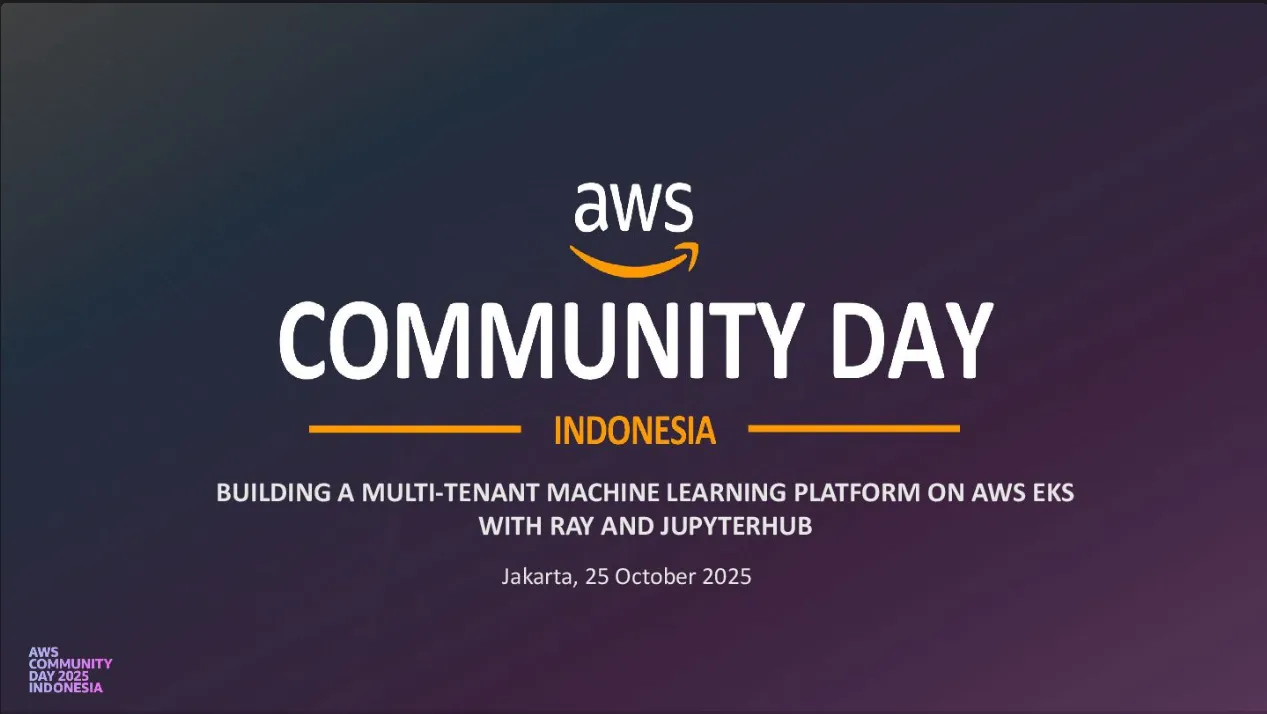
Last weekend, I had the amazing opportunity to be a speaker at AWS Community Day Indonesia 2025.

Hello there! In this post, we’ll dive into the world of Caddy, a modern and powerful web server. Built using Go, Caddy offers a range of built-in features, including reverse proxy and load balancing.

Hello! In this post, I’ll walk through how to use Caddy as a reverse proxy and Docker for containerization to deploy a simple Go API. This method offers a quick and modern way to get your Go API up and running.

Hi there! Flask is great for building APIs quickly. But turning your local project into a publicly accessible web service involves a few extra steps that aren’t always obvious.

Hi! In this post, I’ll show you how to deploy a Go API using Supervisor to manage the process and Nginx as a web server to serve it.

In this part of the Kubernetes series, we will explore how to create a Kubernetes cluster in different environments. Whether you’re running Kubernetes locally or in the cloud, understanding how to set up a cluster is fundamental to deploying and managing containerized applications efficiently.

Now I’m going to talk about Controllers in Kubernetes. In Kubernetes, a Controller is like a cluster’s brain, constantly working to ensure the system maintains its desired state.

Let’s start again. Now I’m going to talk about objects in Kubernetes. In Kubernetes, an object represents a record of intent, where you declare what you want the cluster to do. The Kubernetes control plane works continuously to ensure that the current state of your system matches the desired state described by these objects.

ArgoCD is a GitOps tool with a straightforward but powerful objective to declaratively deploy applications to Kubernetes by managing application resources directly from version control systems, such as Git repositories. Every commit to the repository represents a change, which ArgoCD can apply to the Kubernetes cluster either manually or automatically. This approach ensures that deployment processes are fully controlled through version-controlled files, fostering an explicit and auditable release process.

In this blog, I will explore two popular monitoring tools for Kubernetes.

In this post, I’ll show you how to start with K3D, an awesome tool for running lightweight Kubernetes clusters using K3S on Docker. I hope this post will help you quickly set up and understand K3D. Let’s dive in!

Hi, in this post, we will use Libvirt with Terraform to provision 2 KVM locally and after that, we will Deploy Flask App & PostgreSQL using Ansible.

Let’s start again. Kubernetes and container are two things that cannot be separated from each other.

Hi, welcome to the wonderful world of DevOps. This is a post I wrote while learning Kubernetes. So, let’s start the journey!😎.
Let’s create Ansible Playbook to install Docker on remote server.